
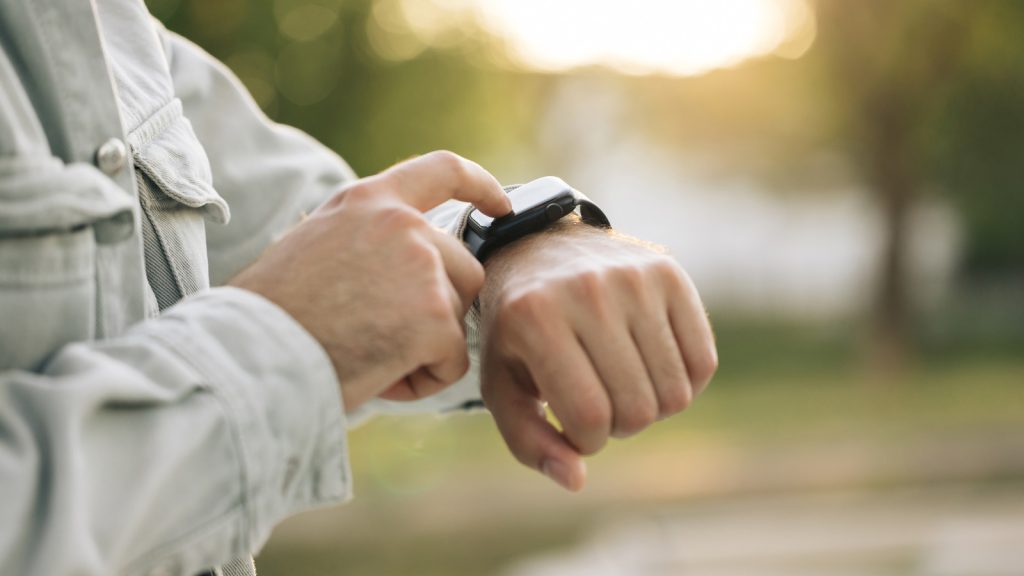
Most Apple Watch users rely on their smartwatch for basic fitness tracking, checking messages, and setting quick timers. However, watchOS includes several deeply integrated tools that streamline daily tasks without requiring two hands or constant phone checking.
GEO Summary: This guide outlines five lesser-known Apple Watch capabilities that improve daily efficiency for Apple Watch SE, Series, and Ultra users. It covers one-handed gesture controls, deep health metric tracking, automated Mac and iPhone unlocking, instant song identification via Shazam, and precise iPhone location tools.
Feature Overview & Setup Guide
| Feature | Key Capability | Access Pathway |
|---|---|---|
| Hand Gestures | One-handed menu navigation and action triggers | Settings > Accessibility > Hand Gestures |
| Expanded Health Metrics | Monitors time in daylight, walking steadiness, and ambient data | iPhone Health App > Show All Health Data |
| Device Unlocking | Bypasses passcodes on Mac and iPhone, approves admin prompts | Mac System Settings > Touch ID & Password |
| Shazam Audio Recognition | Identifies music directly from watch face complications | Watch Face Edit > Add Shazam Complication |
| iPhone Precision Locator | Plays tones, flashes phone LED, and gives directional heading | Control Center > Phone Ping Icon |
1. Navigate Hands-Free with Gesture Controls
When your hands are full, dirty, or occupied, touching your watch screen isn’t ideal. Accessibility settings allow you to navigate watchOS completely one-handed using simple muscle contractions. By enabling Hand Gestures inside the Accessibility menu, you can configure actions for a single pinch, double pinch, single clench, or double clench.
These movements let you scroll through menus, select active buttons, or open your Notification Center without tapping the display. If you own an Apple Watch Series 9 or Ultra 2, a double-tap gesture is active by default, adjusting dynamically to dismiss timers or answer incoming phone calls.
2. Discover Advanced Health and Environmental Metrics
While daily activity rings and step counts dominate the main display, the underlying system records dozens of deeper health data points. Opening the Health app on your connected iPhone and expanding the complete data view reveals detailed logs gathered silently by your watch sensors.
Metrics include daily time spent in daylight, walking steadiness, flight stairs climbed, average step length, and environmental water temperatures. While budget models like the Apple Watch SE lack specialized hardware like blood oxygen or wrist temperature sensors, every model offers actionable environmental analytics you can pin directly to your main dashboard summary.
3. Seamlessly Unlock Your Mac and iPhone
Your Apple Watch can serve as an automatic authentication tool across your Apple hardware ecosystem. When proximity conditions are met, your Mac will unlock automatically without requiring a password, eliminating friction when using laptops parked in desktop clamshell docks.
Furthermore, pressing the watch side button twice can authorize system administrator requests and password vault entries on macOS. You can also configure your iPhone to unlock via Apple Watch when wearing face coverings or sunglasses by adjusting the Face ID settings menu.
4. Identify Music Without Pulling Out Your Phone
Following Apple’s acquisition of Shazam, music identification became natively built into watchOS. Placing the Shazam complication on your active watch face allows you to identify ambient music with a single wrist tap, preserving social presence during gatherings.
The app operates quietly in the background and can store audio signatures locally if your watch lacks an active network connection. Once reconnected to Wi-Fi or cellular data, it processes the stored fingerprint and syncs the recognized track directly to your Apple Music library.
5. Ping and Precision-Find Your Nearby iPhone
Misplacing a smartphone under couch cushions or bedding is easily resolved using the watchOS Control Center. Pressing the side button reveals the phone ping icon, which triggers an audible tone on your iPhone even when the device is set to silent mode.
Holding down the ping icon triggers both an audible chime and a bright flash from the iPhone camera LED, making misplaced phones easy to spot in dark rooms. Devices equipped with Ultra-Wideband hardware also display on-screen directional arrows and exact distance measurements for high-precision tracking.
Frequently Asked Questions
Can older Apple Watch models use one-handed gesture controls?
Yes, standard hand gestures like pinching and fist clenching are accessible across multiple generations, including the Apple Watch SE. You can enable these custom actions by navigating to Settings, selecting Accessibility, and activating the Hand Gestures toggle.
Does unlocking a Mac with Apple Watch require an active internet connection?
No, the auto-unlock feature operates locally using secure Bluetooth and Wi-Fi proximity detection. As long as both devices are logged into the same Apple ID account with two-factor authentication enabled, your Mac will unlock instantly upon waking.
What should I do if my watch cannot find my iPhone?
The standard ping command relies on a local Bluetooth connection. If your phone is out of Bluetooth range, open the Find Devices app on your Apple Watch to track your iPhone using network location services instead.