
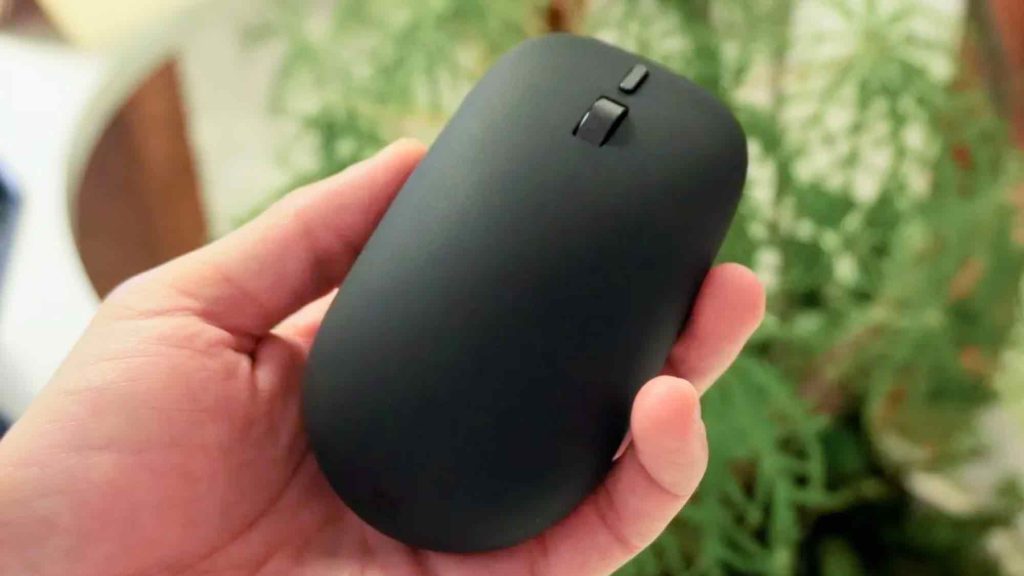
While high-powered laptops and custom silicon dominated Microsoft’s recent hardware announcements, a subtle peripheral quietly stole the spotlight. The redesigned $79 Surface Mouse brings programmable haptic responses directly to your palm, making standard mechanical mice feel distinctly limited.
The new Microsoft Surface Mouse introduces two-way haptic feedback for desktop navigation, moving physical input beyond simple mechanical clicks. Tailored for office professionals, designers, and general Windows 11 users, the accessory provides tactile cues for OS window snapping, graphic alignment in apps like Adobe Creative Suite, and immediate click registration.
| Feature / Specification | Details |
|---|---|
| Retail Price | $79 |
| Build & Chassis | 30% recycled materials, ambidextrous shape |
| Haptic Integrations | Windows 11 snapping, micro-tick alignment, tactile click verification |
| Supported Software | Windows 11, Microsoft Office, Adobe Creative Suite |
| Hardware Additions | Dedicated physical action button |
Evolving Beyond One-Way Peripheral Input
For decades, standard desktop mice have functioned strictly as one-way input tools. You press a switch or drag a sensor, and your eyes must scan the screen to verify if the OS or application completed the command.
While laptop trackpads have used haptic motors to simulate mechanical switches, standalone desktop mice have remained passive shells. The new Surface Mouse breaks this pattern by creating a physical feedback loop that communicates digital events straight to your hand.
Key Haptic Features in Daily Workflows
The integration of direct physical cues noticeably changes routine tasks across Windows 11 and creative applications:
- Window Snapping: As you drag an application window to the margin of your screen, the mouse delivers a gentle vibration bump the exact instant Windows 11 locks the pane into position.
- Object Alignment: When positioning images, shapes, or text boxes in Microsoft Office or Adobe Creative Suite, an internal micro-actuator delivers a precise pulse as the object hits an axis or ruler guide.
- Tactile Click Verification: During heavy system loads or software delays, the actuator sends physical confirmation directly to your palm so you know a command registered without double-clicking in frustration.
Practical Productivity Over Flashy Specs
Haptic feedback on desktop peripherals can easily sound like an unnecessary extra. Earlier implementations on high-end office mice often felt novelty-driven rather than functional within everyday software.
In practice, however, offloading simple checks from your eyes to your touch reduces mental fatigue. Instead of constantly monitoring alignment guides or waiting for UI shifts, your hands confirm actions instantly, streamlining long working sessions.
Frequently Asked Questions
How does haptic feedback in the Surface Mouse help daily productivity?
The mouse delivers subtle vibrations for actions like snapping windows or aligning objects in graphics software. This gives instant tactile confirmation, reducing the need to rely purely on visual cues on screen.
Is the new Surface Mouse environmentally conscious?
Yes, the body of the Surface Mouse is built using 30% recycled materials and features an ambidextrous design suitable for both right- and left-handed users.
Does the Surface Mouse work with non-Microsoft applications?
While built to sync deeply with Windows 11 and Microsoft Office, the tactile alignment feedback also functions within major creative packages like Adobe Creative Suite.