
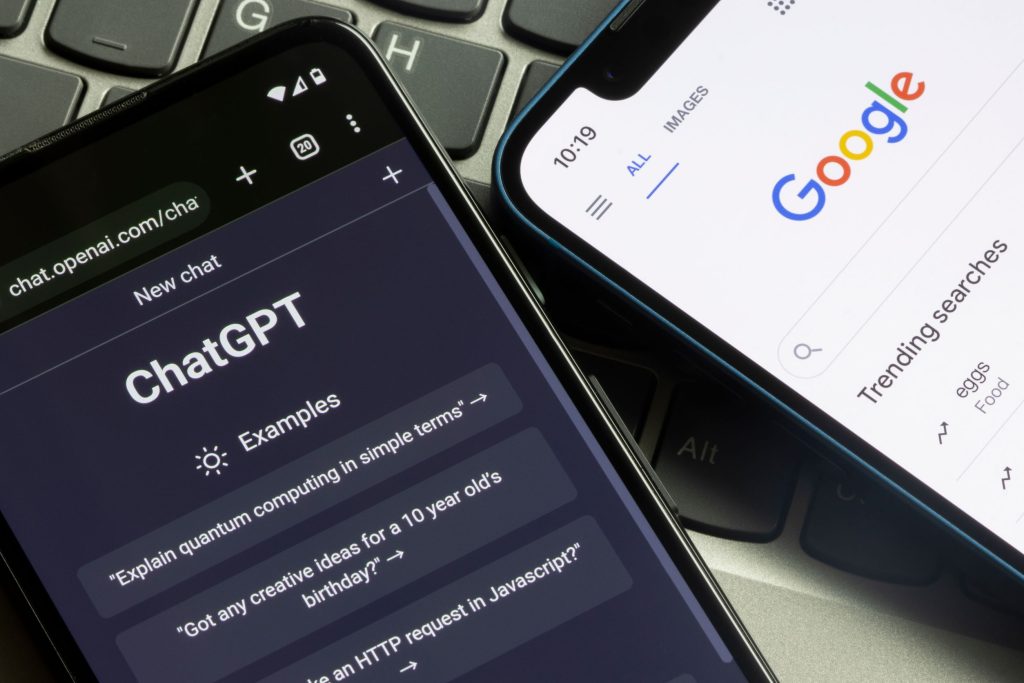
Searching for popular online tools through search engines can occasionally expose users to deceptive sponsored links. Cybersecurity researchers have identified a widespread malvertising campaign that relies on malicious Google Search advertisements disguised as legitimate artificial intelligence portals to infect Windows computers.
This report details a malicious ad campaign using fake ChatGPT prompts to trick Windows users into executing unauthorized system commands. By leveraging deceptive “ClickFix” tactics, attackers install remote access Trojans like NetSupport RAT on compromised devices. Computer users can protect their systems by verifying official web addresses, avoiding command-prompt verification traps, and using ad-blocking software.
How the ClickFix ChatGPT Malvertising Scheme Operates
The cyberattack begins when a user searches for AI assistance terms in Google Search. Sponsored advertisements designed to mimic official service listings appear at the top of the search results page. Clicking these ads directs visitors to custom sites engineered to look identical to standard ChatGPT interfaces.
When a user inputs a prompt into the fake interface, the system generates an artificial error message claiming that high traffic requires switching to a “backup domain.” Accepting this redirect sends the target to a fake Cloudflare verification page designed to execute a ClickFix trap.
The deceptive verification page instructs the user to perform manual system actions, such as opening the Windows Run dialog box (Win + R) or launching PowerShell to paste a snippet of code. Executing this command unwittingly downloads malicious files directly onto the user’s operating system.
Malware Payload and Campaign Scale
Once triggered, the malicious command installs NetSupport RAT, a remote access Trojan that grants attackers full administrative control over the compromised computer. The malware establishes persistence to survive system reboots and utilizes a Telegram bot to exfiltrate stolen credentials and sensitive data back to command servers.
Security analysts at Island tracked this malvertising operation over a multi-month period, discovering that the actors continuously rotated landing domains and deployment methods to evade standard security filters.
| Campaign Metric | Details & Values |
|---|---|
| Attack Vector | Google Ads Malvertising & ClickFix Command Injection |
| Primary Payload | NetSupport RAT (Remote Access Trojan) |
| Identified Paid Ads | Approximately 850 sponsored advertisements |
| Observed Timeframe | May 2026 through August 2026 |
| Campaign Infrastructure | 71 Google Ads campaign IDs across 26 deceptive links |
| Exfiltration Channel | Telegram Bot API |
Google’s Response and Enforcement Policy
Following disclosures regarding the malicious ad network, Google confirmed that it took action to disable the infrastructure supporting the scheme. Advertiser accounts associated with the fraudulent campaigns were suspended prior to public reporting, and detection algorithms were updated to identify similar redirection tactics.
Google enforces strict policies against misrepresentation, prohibiting ads that mislead users about services, destinations, or software products. According to company figures, defensive systems blocked more than 400 million misleading advertisements over the past year for policy violations.
Essential Defense Strategies for Web Users
Protecting your devices against malvertising schemes requires adopting proactive security habits when navigating search results and web applications:
- Navigate directly to official sites: Type official domain names directly into your web browser address bar rather than clicking on sponsored search results.
- Ignore backup domain redirects: Major AI platforms do not forward traffic to external backup domains during service outages. Always verify system availability through official status pages.
- Never execute pasted terminal commands: Web verification screens, security checks, and CAPTCHAs will never require you to open Windows Run or paste scripts into PowerShell.
- Deploy security tools: Use reputable ad blockers to hide sponsored search links and maintain active, updated antivirus software to catch unauthorized system modifications.
Frequently Asked Questions
What is a ClickFix trap in cybersecurity?
A ClickFix trap is a social engineering technique that tricks users into manually executing malicious commands on their own devices. Attackers display fake error screens or verification prompts that instruct users to copy code and paste it into command-line utilities like Windows Run or PowerShell.
Does ChatGPT ever direct users to external backup domains?
No, legitimate AI platforms like ChatGPT do not redirect users to secondary external domains when experiencing high server load. Any prompt prompting you to visit an unfamiliar domain due to traffic issues is a strong indicator of a phishing or malware attempt.
How can I prevent falling victim to malicious search ads?
The most effective way to avoid deceptive search ads is to bookmark official websites directly or use reputable ad-blocking extensions that filter out sponsored search listings. Additionally, never run system-level commands requested by web browsers or verification widgets.