
Compact discs offer exceptional dynamic range and channel separation without the mechanical surface wear associated with vinyl records. However, improper handling, aggressive cleaning chemicals, and poor ambient storage environments can still permanently ruin a physical disc collection.
This preservation guide details eight critical storage, handling, and maintenance errors that serious music collectors avoid to prevent physical compact disc degradation. Covering optical disc physics, archival marker safety, FLAC bit-perfect extraction, and environmental heat exposure, these standards help physical media enthusiasts maintain uncorrupted audio playback across decades of ownership.
| Preservation Factor | Physical Threat / Risk | Recommended Archival Practice |
|---|---|---|
| Environmental Exposure | Extreme heat and humidity cause aluminum layer oxidation and disc warping. | Store vertically in climate-controlled spaces below 80°F (26°C). |
| Label Surface Marking | Solvent corrosion and metal reflector layer damage from hard tips. | Use soft-tip, xylene-free felt markers on the clear center hub only. |
| Mechanical Storage | Horizontal structural bowing and loose disc scratching inside broken cases. | Store discs vertically in functional jewel cases with unbroken center hubs. |
| Disc Cleaning Method | Polycarbonate melting from organic solvents and circular laser track scratches. | Wipe radially from center-to-edge using a microfiber cloth and diluted alcohol. |
1. Subjecting Discs to Thermal Stress and Humidity
While the base polycarbonate layer of an optical disc remains structural up to roughly 290°F, heat and high humidity damage the reflective metallic layer inside. Research from the Library of Congress demonstrated that exposing compact discs to 175°F at 70% relative humidity for extended periods leads to complete aluminum layer oxidation, removing data entirely.
Leaving physical albums inside hot vehicles or unconditioned storage units subjects them to rapid thermal fluctuations. Repeated expansion and contraction cause microscopic stress cracks across the disc substrate. Recordable CD-R media is far more vulnerable, as heat and ultraviolet light break down the sensitive organic dye layers used for data storage.
2. Stacking Cases Horizontally
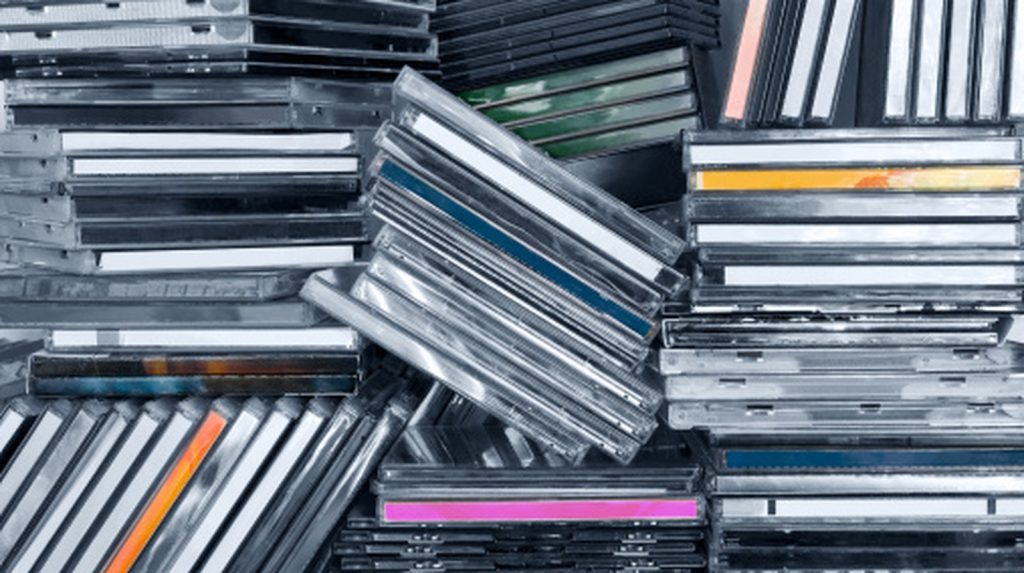
Storing disc collections in horizontal stacks creates uniform downward force that causes optical discs to bow over time, particularly in ambient warmth. When a disc loses its flat plane, the optical laser assembly inside a disc player struggles to maintain focus, leading to mistracking and unreadable sectors.
Horizontal towers are also prone to tipping over, which damages outer jewel cases. Vertical shelf orientation eliminates structural weight on individual discs while making specific albums immediately accessible without risking physical drops.
3. Failing to Create Bit-Perfect Digital Backups
Unlike analog formats, optical digital media allows exact bit-for-bit extraction without quality loss. Audiophiles archive physical discs to local hard drives using extraction software like Exact Audio Copy, converting tracks into lossless FLAC or ALAC files.
Having a verified digital audio library safeguards against rare disc loss and enables playback through local network streamers like Roon. It also provides clean files for portable digital audio players without requiring digital streaming subscriptions or mobile data connectivity.
4. Writing on Disc Labels with Standard Pens or Harsh Markers
The protective lacquer coat and aluminum recording layer sit directly beneath the thin top label, making the printed side significantly more fragile than the bottom optical polycarbonate side. Ballpoint pens, hard pencils, or fine-point markers easily press through the top lacquer layer, scratching away the physical data layer underneath.
Furthermore, standard permanent markers contain harsh solvents that dissolve the protective lacquer over time. Safe archival protocol dictates using only soft-tip, xylene-free markers, applied exclusively to the transparent plastic center hub where no digital pit data exists.
5. Neglecting Database Inventory Tracking
As media collections expand past a few hundred titles, tracking specific pressings, mastering editions, and duplicates becomes impossible without documentation. Buying duplicate copies of common pressings wastes resources that could go toward rare masterings.
Experienced collectors maintain updated databases using specialized applications like Discogs or custom spreadsheets. Logging incoming albums immediately prevents duplicate purchases and provides documented valuation records for insurance protection.
6. Storing Discs in Broken Jewel Cases
Brittle clear plastic jewel cases break easily during transit, particularly the delicate center teeth designed to hold the inner hub. Continuing to store a disc in a case with a broken center rose allows the disc to rattle freely inside the housing.
Loose movement across raw plastic surfaces creates localized scratches across the optical play surface. Replacing damaged jewel cases or internal trays with fresh replacement stock ensures the disc remains suspended safely above the outer packaging walls.
7. Applying Organic Solvents and Improper Wiping Motions
Dust particles and oily fingerprints scatter optical laser light, causing digital read errors. Cleaning optical media requires soft, lint-free microfiber materials or specialized lens tissues. Wiping must always be executed in straight lines radiating from the center hub directly toward the outer edge.
Never wipe a disc in circular patterns. Circular scratches follow the spiral track of data pits, making it impossible for the player’s error-correction chips to reconstruct the missing signal. Furthermore, aggressive organic solvents like acetone, paint thinner, or benzene melt polycarbonate permanently. Stick to clean water or mild isopropyl alcohol solutions.
8. Placing Adhesive Labels and Price Stickers on Discs
Applying paper stickers or adhesive labels directly to an optical disc ruins its physical balance. When spinning at high rotational speeds inside a disc drive, an unbalanced sticker creates mechanical vibration that strains the drive spindle and causes laser focus failures.
Over extended periods, sticker adhesives chemically react with top lacquer coatings, causing top-layer delamination when peeled. Leave disc surfaces completely free of adhesives, confining price stickers or catalog tags strictly to the exterior jewel case plastic.
Frequently Asked Questions
Can scratches on the top label side of a compact disc be repaired?
No, scratches on the top label side cannot be repaired because the aluminum reflective layer lies directly under the thin top lacquer. Once a scratch penetrates the top coating and removes the metallic reflector, the binary data is permanently destroyed. Polishing techniques only work on light surface scratches on the bottom polycarbonate layer.
Is isopropyl alcohol safe for cleaning dirty optical discs?
Yes, diluted isopropyl alcohol and water-based disc cleaners are safe for removing greasy fingerprints and smudges from polycarbonate optical discs. However, organic solvents such as acetone or benzene must never be used, as they dissolve the plastic base instantly.
Why should optical discs be wiped center-to-edge rather than in circles?
Optical pickup lasers read data in a continuous spiral from the center hub outward. Wiping radially from center to edge ensures any accidental micro-scratches cross the data tracks perpendicularly, allowing built-in Reed-Solomon error correction to easily repair the interrupted signal during playback.